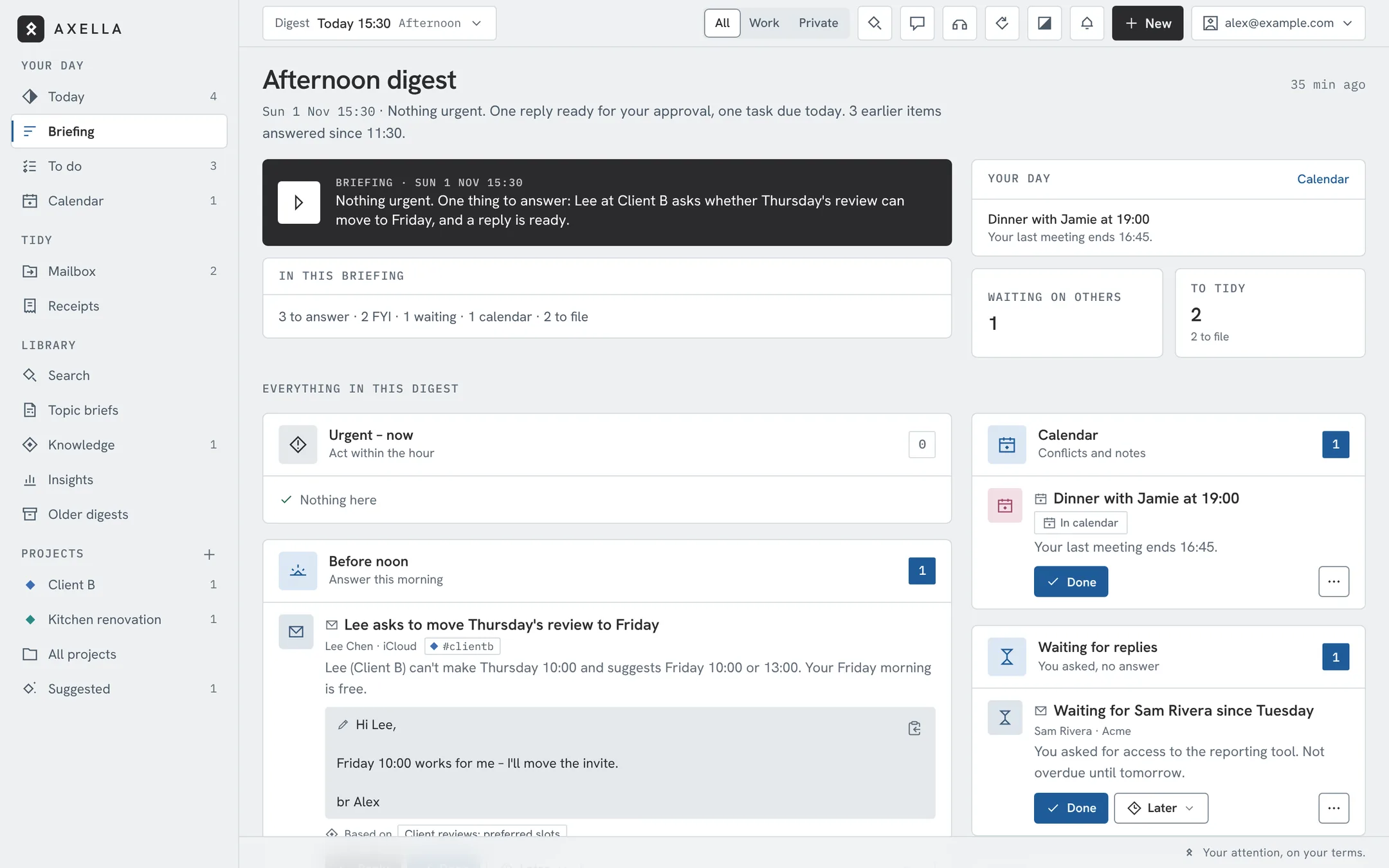
Nothing urgent.
One reply ready for your approval.
Work is quiet. Dinner at 19:00.
Free, open-source message assistant for your Mac
Take back control of your time. Axella gathers your mail, messages, calls and calendar into a short digest at the times you choose, so you can be fully present at work, with family and with friends. Lives on your Mac mini at home. Available on your laptop, phone and tablet.
Free, open source and non-commercial. Hosted in your home, 100% your data.
One reply ready for your approval.
Work is quiet. Dinner at 19:00.
The problem
You sink into real work, then the itch to check mail “just in case”. Usually nothing's there, but the damage is done. Work follows you home. Family follows you to work.
to get back to a task after an interruption.
Gloria Mark, UC Irvine · Fast CompanyWe make up for interruptions by working faster, and pay for it with more stress.
Mark, Gudith & Klocke · CHI 2008People who check email three times a day feel significantly less stressed than those who check whenever they like.
Kushlev & Dunn · Computers in Human Behavior, 2015“Before the first coffee, between meetings, at dinner. Part of your brain is always waiting for the next message, so you never really go deep.”
Axella flips it around: your messages wait for you, and arrive as one calm digest at the times you choose.
See it
Every interruption costs about 23 minutes of focus. See how a day of pings becomes one calm digest — what Axella hears, what it holds, and what it hands you to approve.
Played from axella.dev. No tracking, no third-party player.
0:00A ping. A badge. Just in case. Every interruption costs about 23 minutes (research: Gloria Mark, UC Irvine). Work follows you home. Family follows you to work. What if it all waited for you?
0:22One place: mail, messages, WhatsApp, calls and calendar.
0:28You set the rhythm. People who check mail three times a day feel less stressed (Kushlev & Dunn, 2015). Axella brings it to you then.
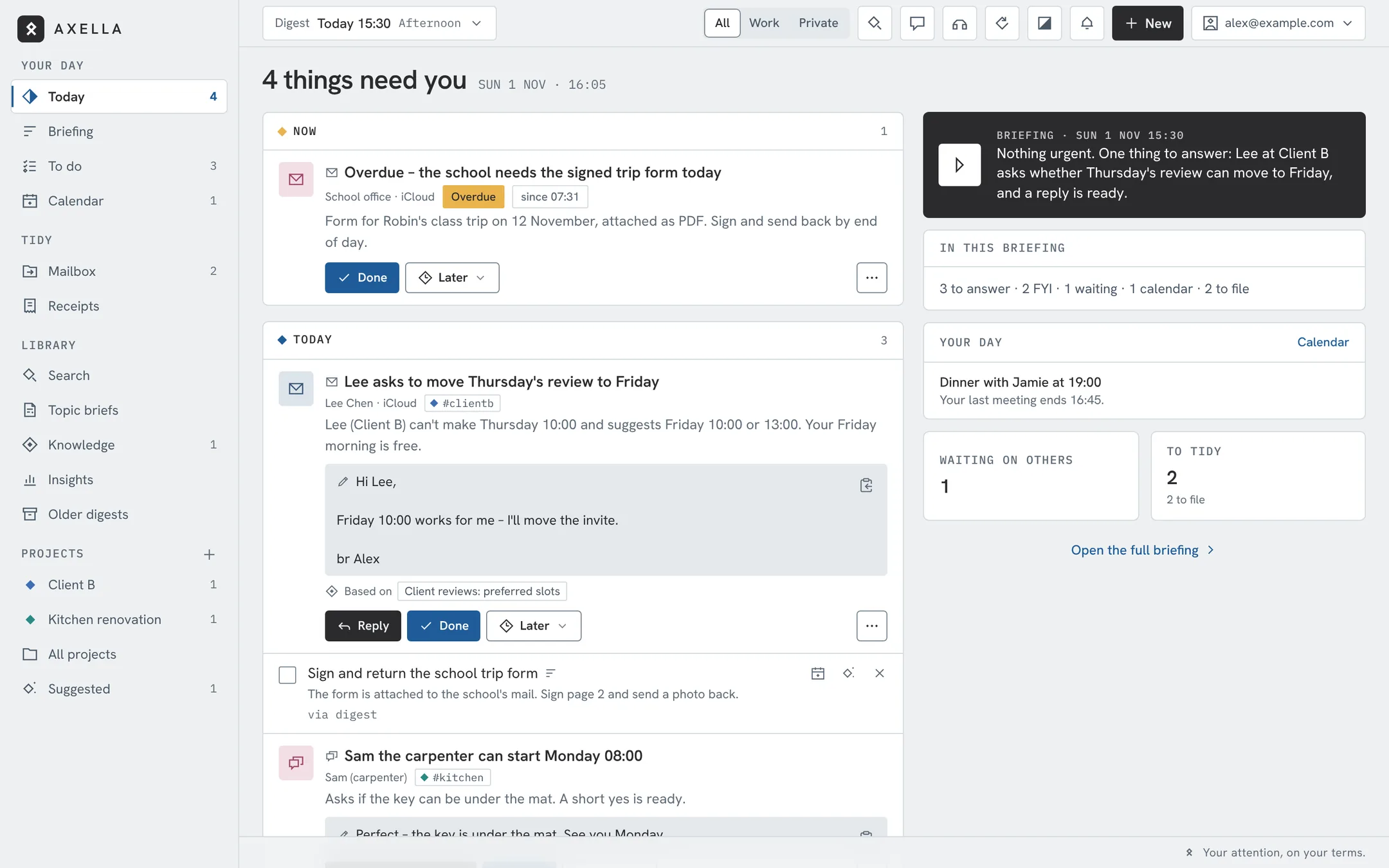
0:34Four things. One minute. Every digest opens with whether you need to act — read it, or listen. “Nothing urgent. One reply ready: Lee asks to move Thursday's review to Friday. Overdue: the school needs the signed trip form today. Family group: 12 messages about Sunday lunch, nobody asked you anything. Calendar: one meeting at 16:00, dinner with Jamie at 19:00.”
0:44Work gets focus. Private life gets presence. In work hours, private waits. In the evening, work goes quiet.
0:50Axella drafts. You decide. Replies are ready and waiting. Nothing is sent without your tap.
1:02And a little more: Ask Axella — answers from your own messages, with sources. Missed a call? She takes a message, in Danish or English, and it's in your next digest. Receipts, found and totalled — monthly spend per vendor, from your own mail.
1:16Cloud assistants want a copy of your life. Every email, every family chat, every calendar entry. Where does it go? Who reads it?
1:20She lives in your home. On a Mac mini you own. No Axella cloud, no account.
1:25Axella. Your attention, on your terms. axella.dev
A guided demo of Axella with example data, right in your browser. Approve a reply, change your digest times, pull in the next batch of messages. Nothing is sent, and nothing is stored on axella.dev – one functional cookie remembers your demo in this browser for 30 days. No tracking.
What Axella does
Four quiet steps, all on a machine you own.
Email accounts, iMessage and SMS, WhatsApp, Signal, calls and calendar. Axella reads them on your own machine, so you don't have to keep checking.
Nothing pings. New messages wait for your next digest; only what's urgent by your VIP list and rules breaks through. Every item is tagged work or private, so you can look at one world at a time.
At the times you pick, a short spoken digest. The first sentence answers whether you need to do anything — often “Nothing urgent.”
Replies are prepared and waiting. Approve, edit or discard. Nothing is sent without your tap.
More than a digest
Axella doesn’t just hold the noise. She speeds up what comes after: replies drafted, receipts found, tasks ready for Claude, briefs on what you follow. All of it runs on the Mac mini, and everything that acts waits for your tap.
Act in seconds
Ask about any mail, task, project or receipt. Answers show their sources; anything to do comes back as a card you tap.
Say who, what and the tone. Three versions from your earlier mail with that person, saved to Drafts in the right mailbox.
A time agreed in a message becomes an “Add to calendar” button — after checking it isn't there already.
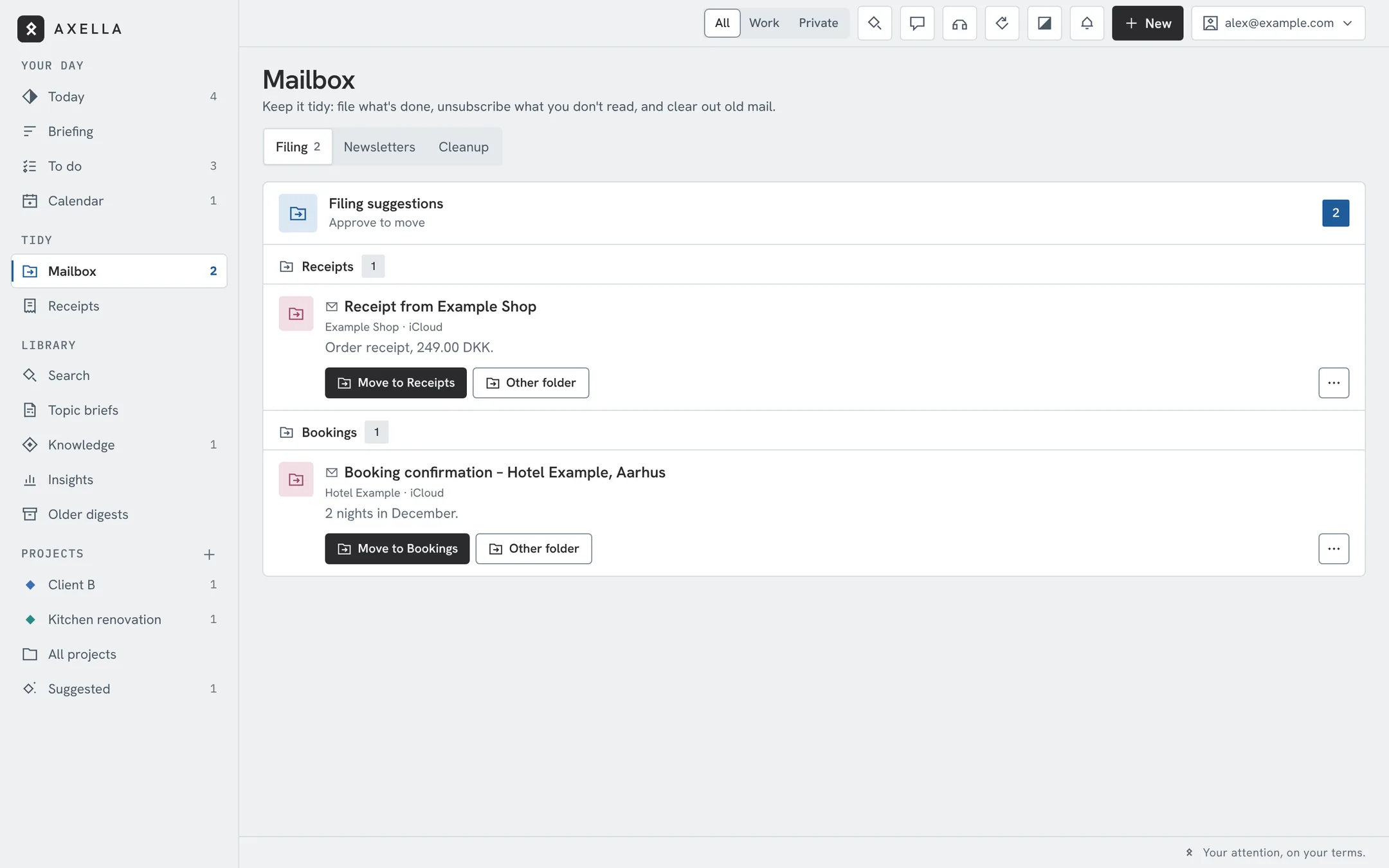
A suggested folder for every message, whole threads in one move, and Axella remembers where each sender goes. Old mail stuck in the inbox? One re-scan sorts all of it.
Keep order
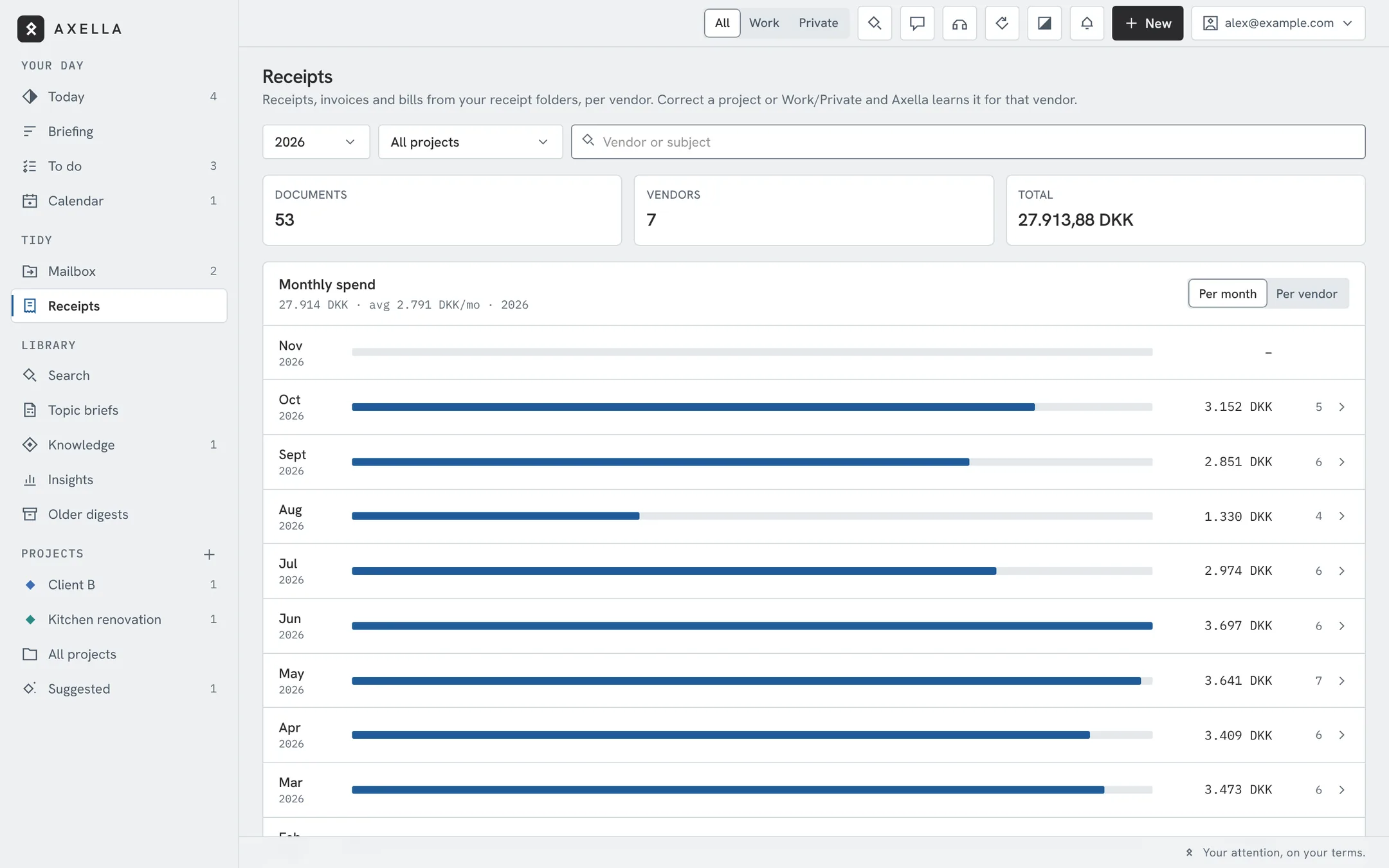
Every receipt and invoice in one register, amounts read from the PDF, spend per month and vendor. Send them to your finance platform’s receipt inbox with a tap — or per vendor, automatically, once you switch it on.
Senders grouped by company. Unsubscribe with one tap, or all of a company's addresses at once.
Messages, tasks, notes, links and documents per project. Axella suggests a new one when a topic keeps coming up.
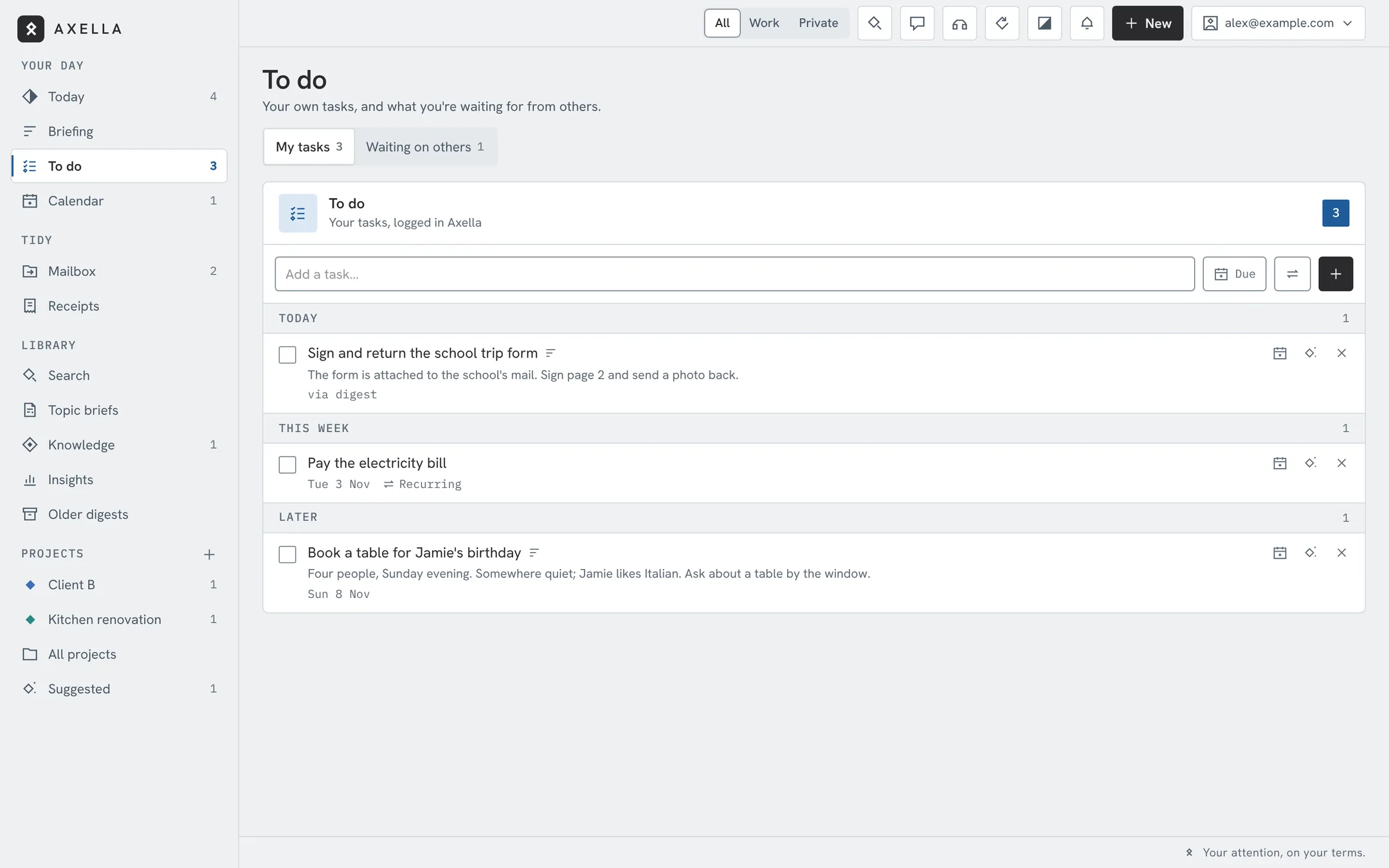
Turn any item into a task, with recurring reminders for rent, renewals and birthdays. Add details to any task; one tap opens it in Claude with the details filled in, ready to work on. You review and send.
Know more
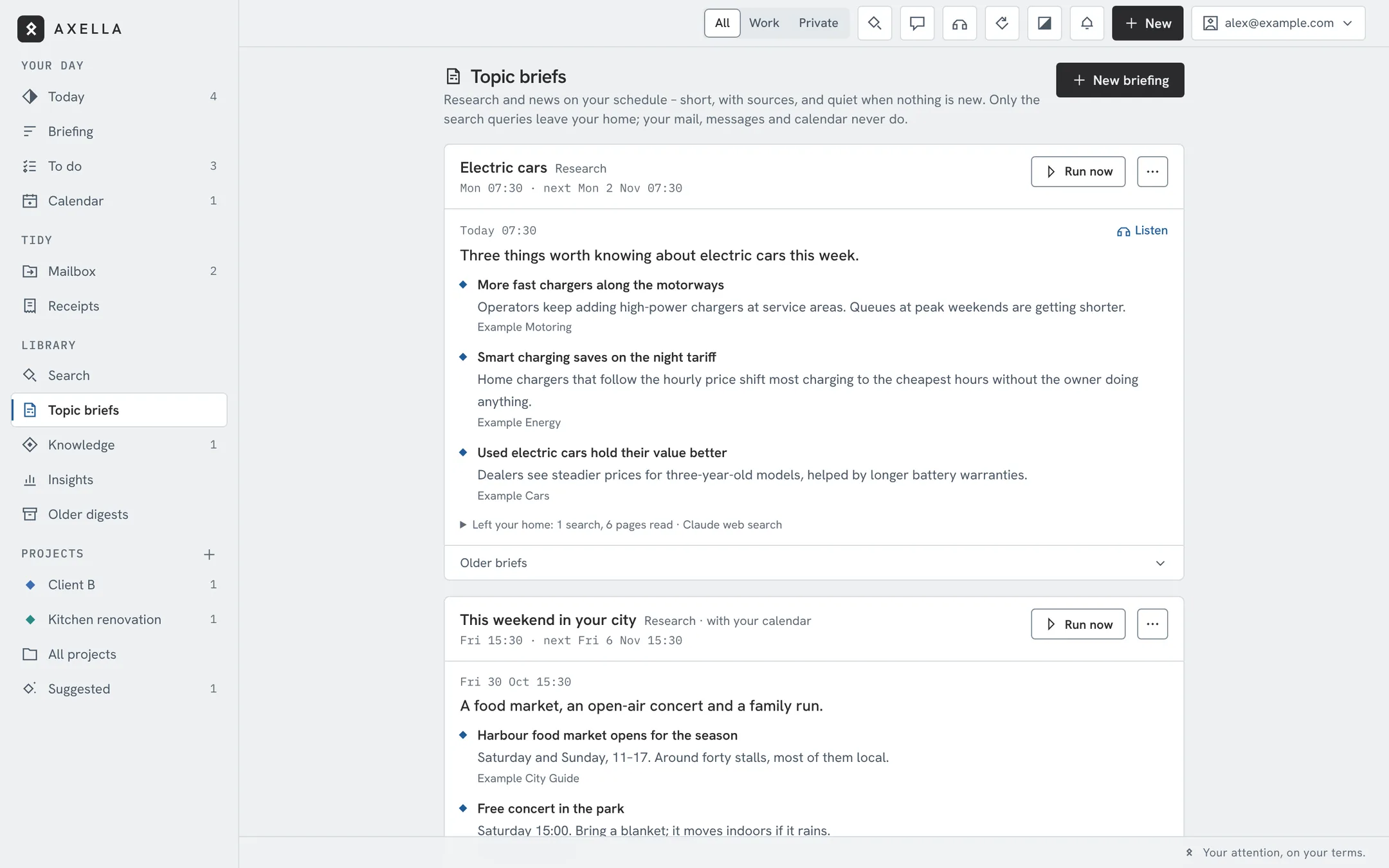
Research and news on your schedule, like a Monday brief on electric cars or what's on this weekend. Three to five items with sources, never the same story twice. Listen after your digest, from the lock screen or in the car. Only the search leaves your home.
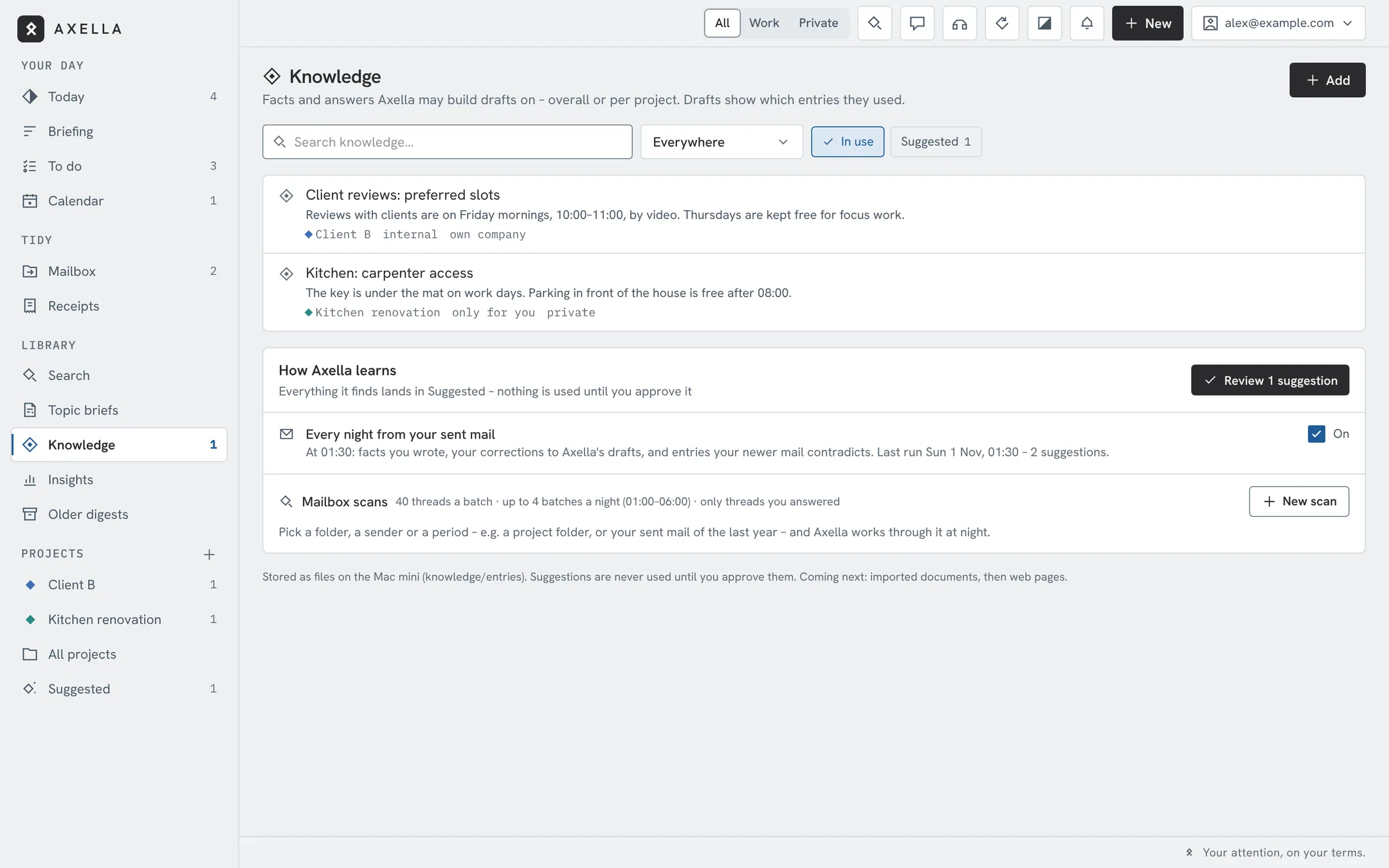
Facts and standard answers your drafts use, marked “Based on …”. New ones are suggested from your sent mail; nothing is used until you approve it.
Who and what took your attention this week, month or year, and whether it's trending up.
You asked, nobody answered. Axella keeps track and tells you when a reply is overdue, so nothing slips.
While you're away
Optional. Calls you miss are answered in Danish or English; you get a summary, a callback time and an SMS draft.
Away texts per mailbox, a reminder the evening before, and the call agent switches to an away greeting.
Pause the digests, keep only urgent checks, or stop everything. “Run sweep now” whenever you want a fresh one.
A Home Screen app with push, swipe to handle items, and “Axella digest” for Siri and CarPlay.
Inside Axella
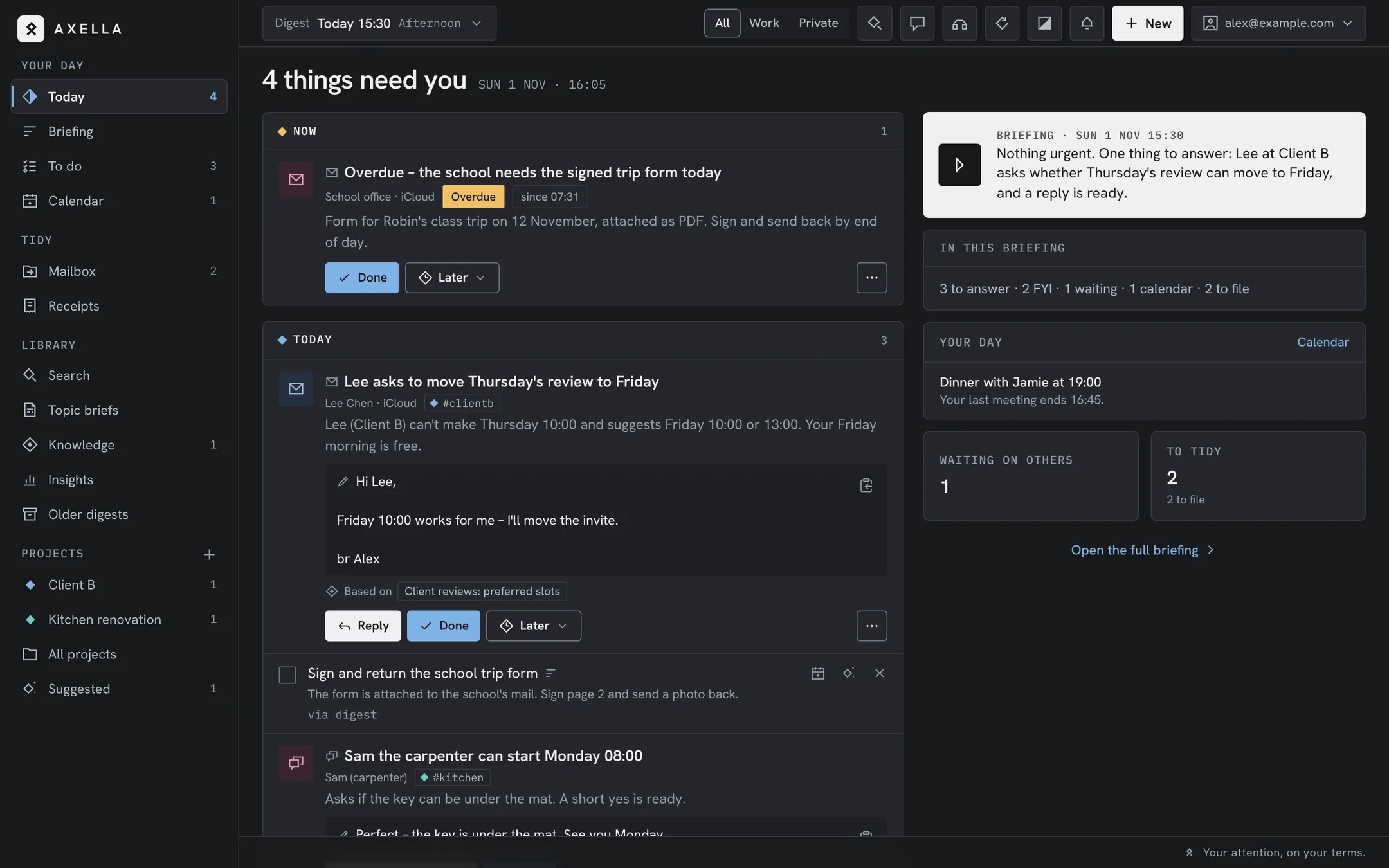
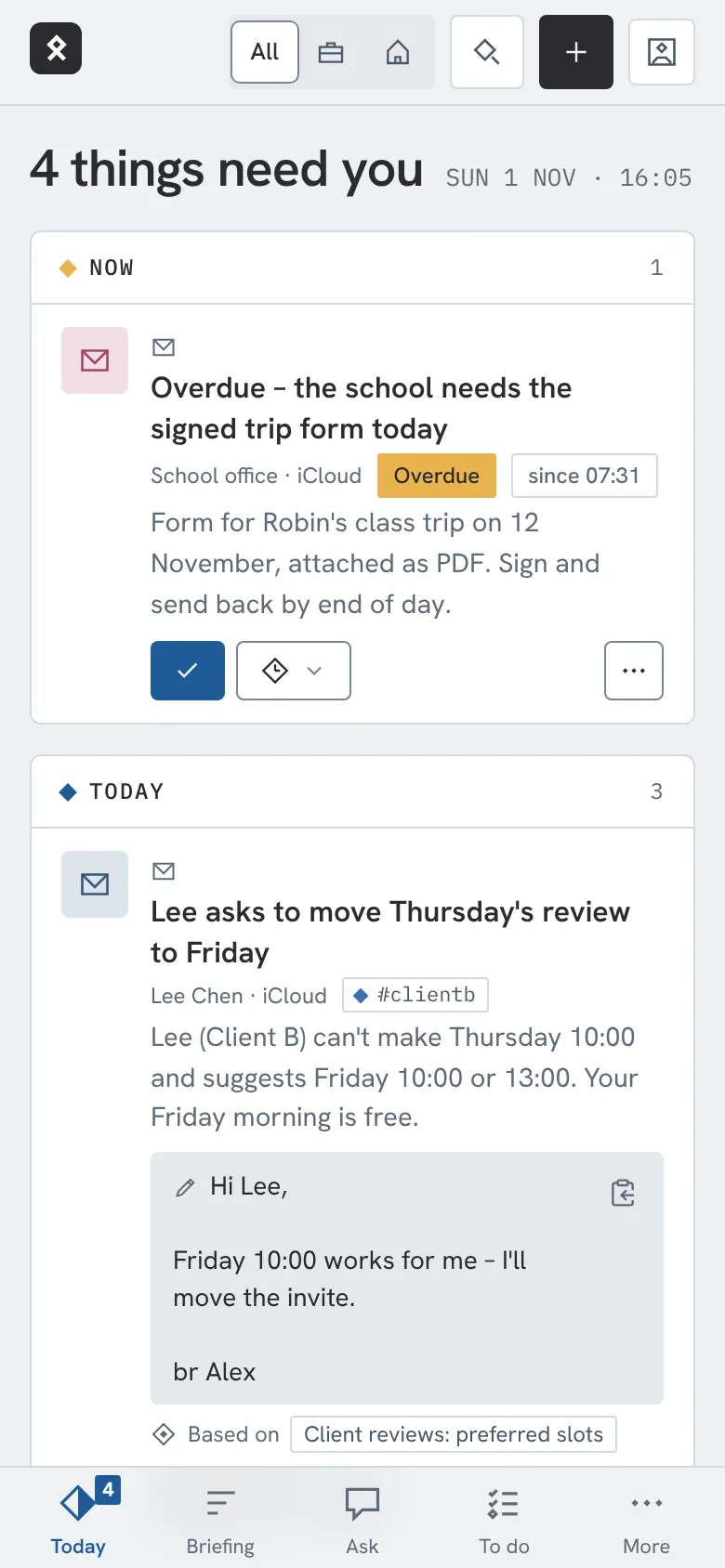
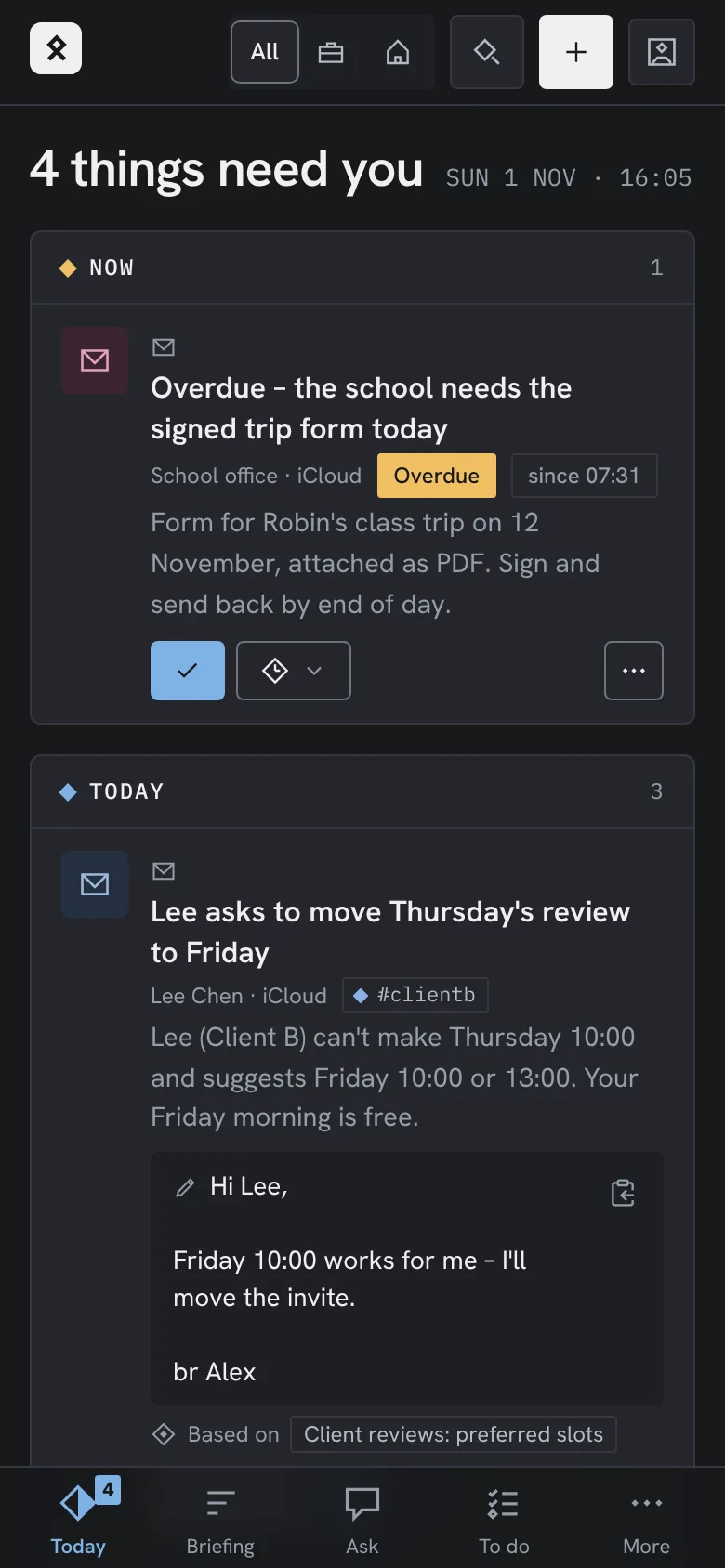
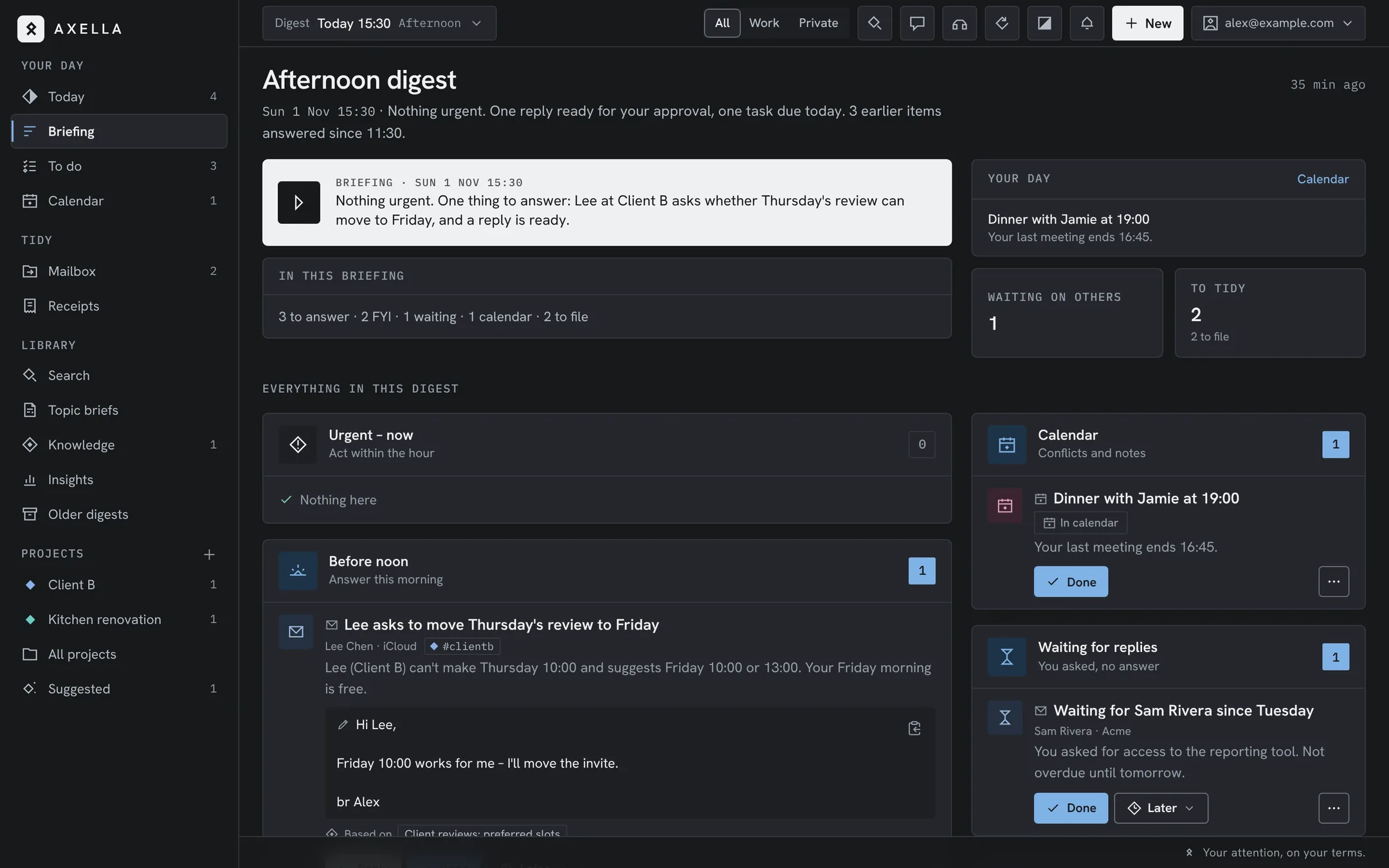
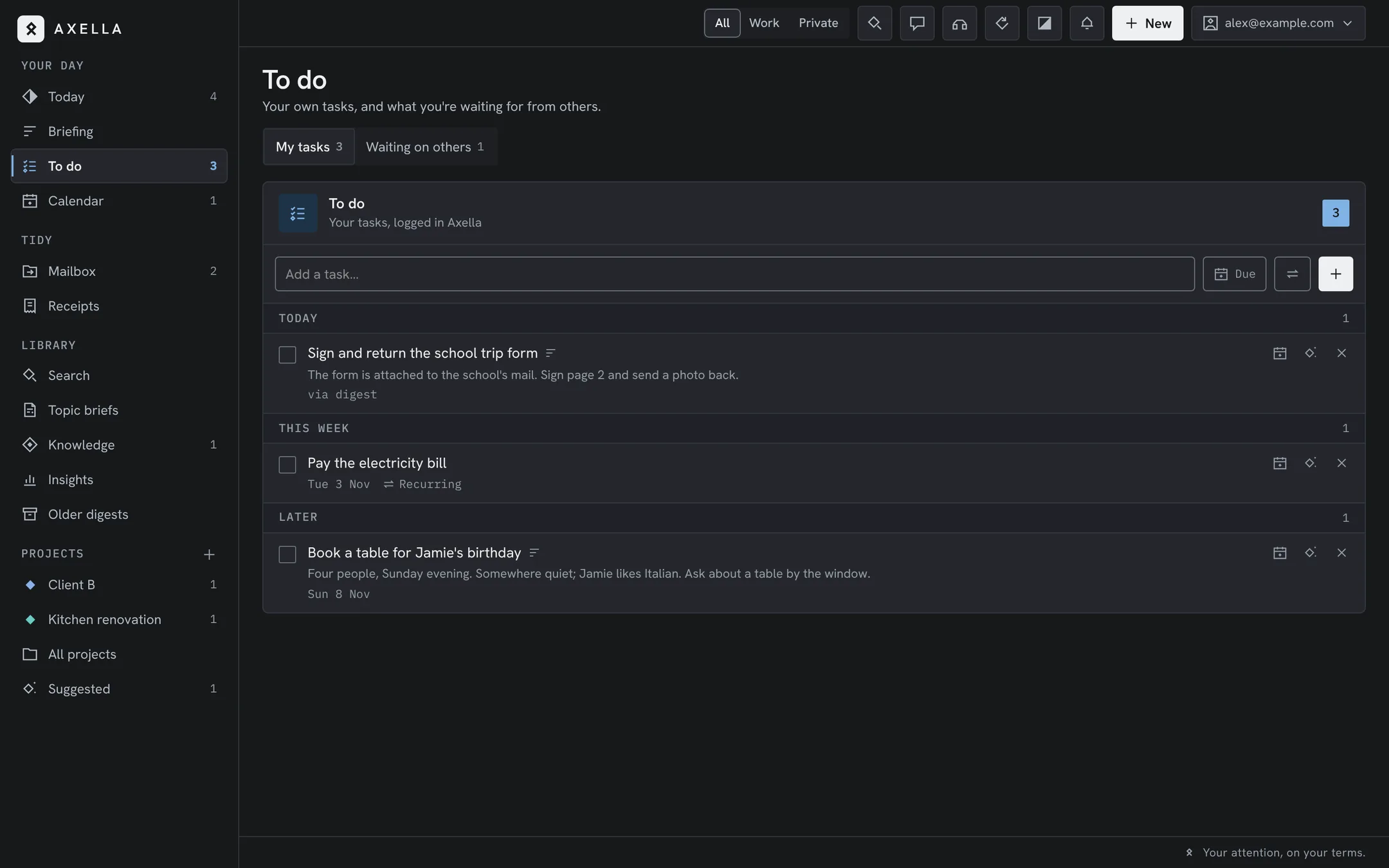
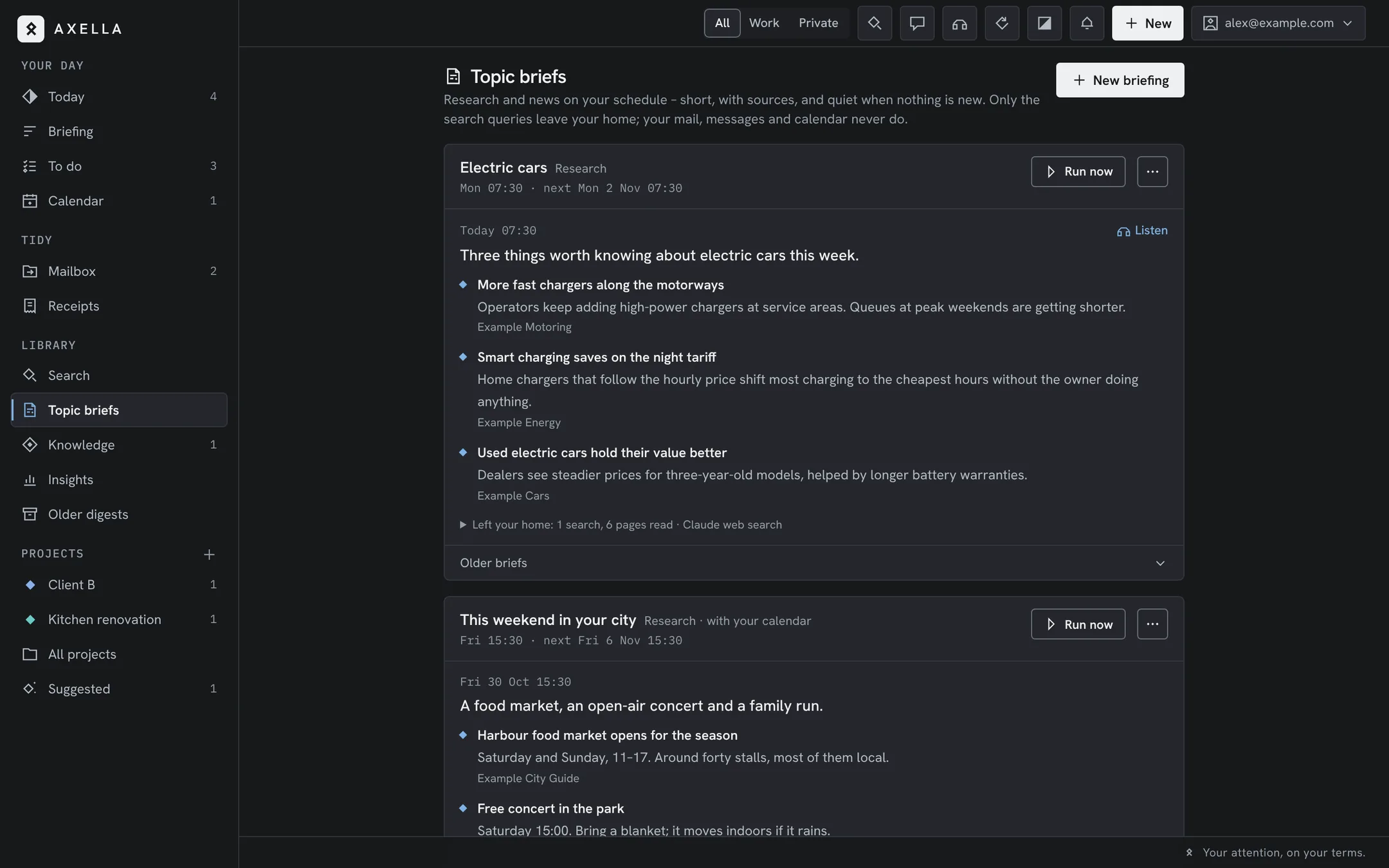
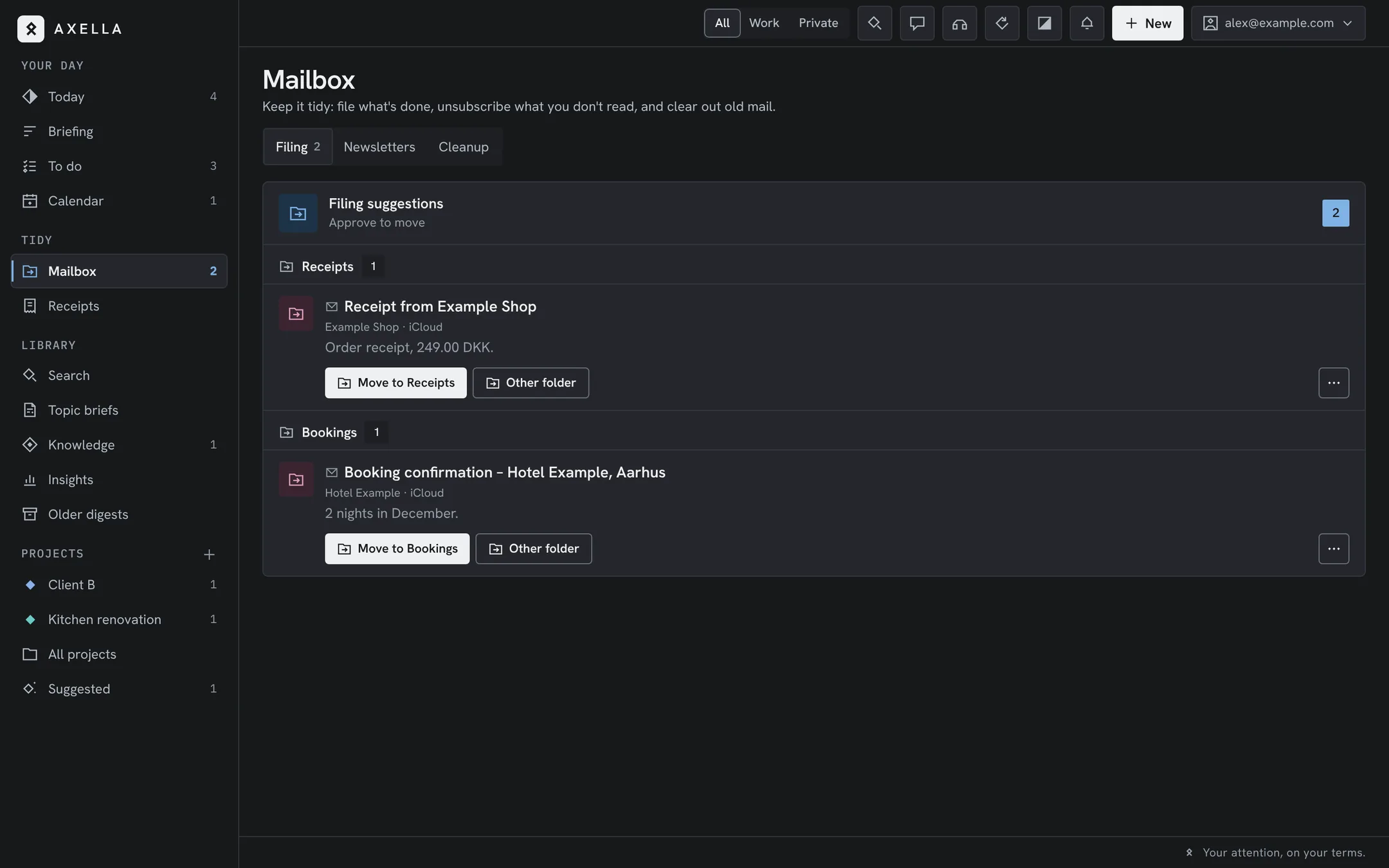
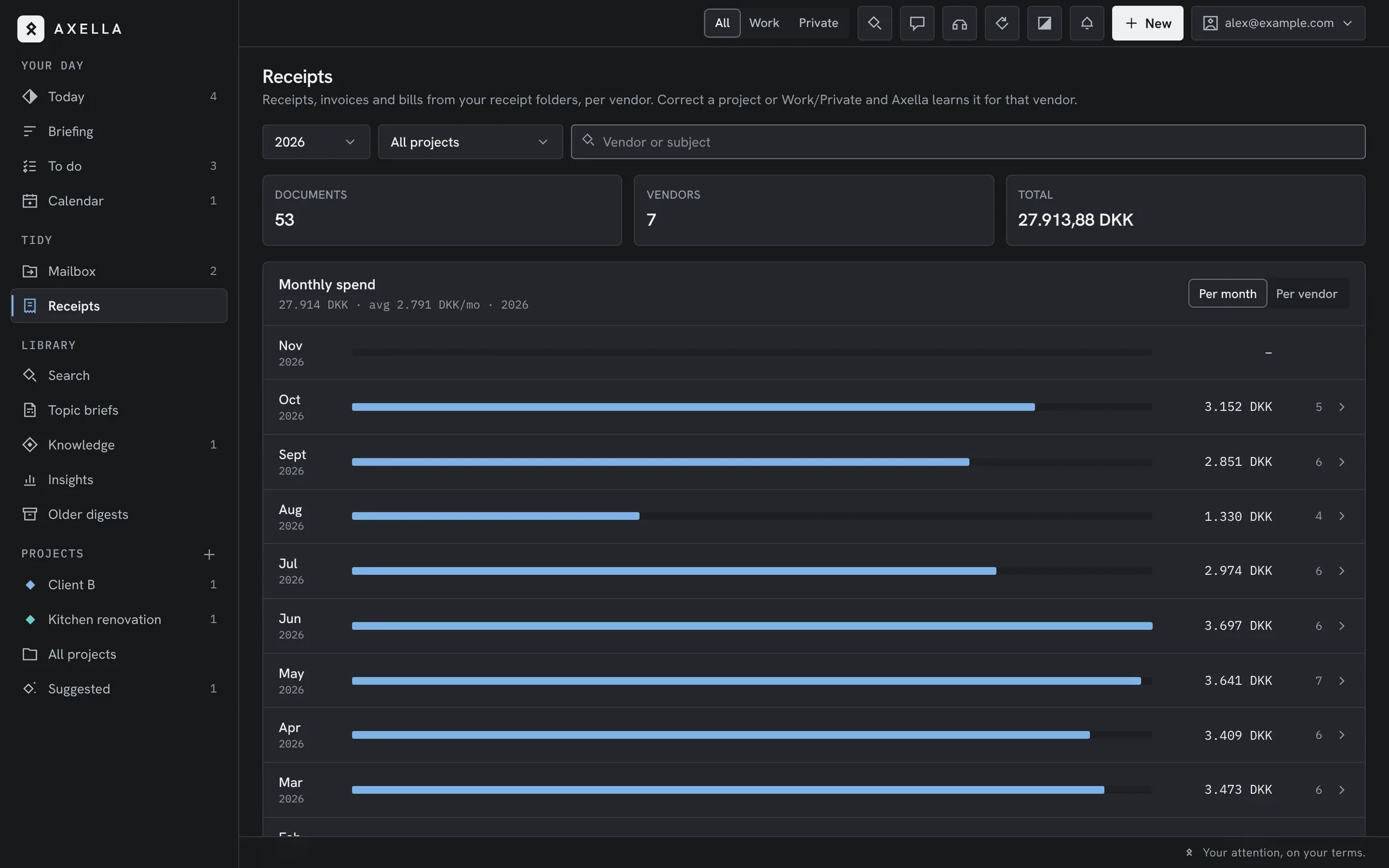
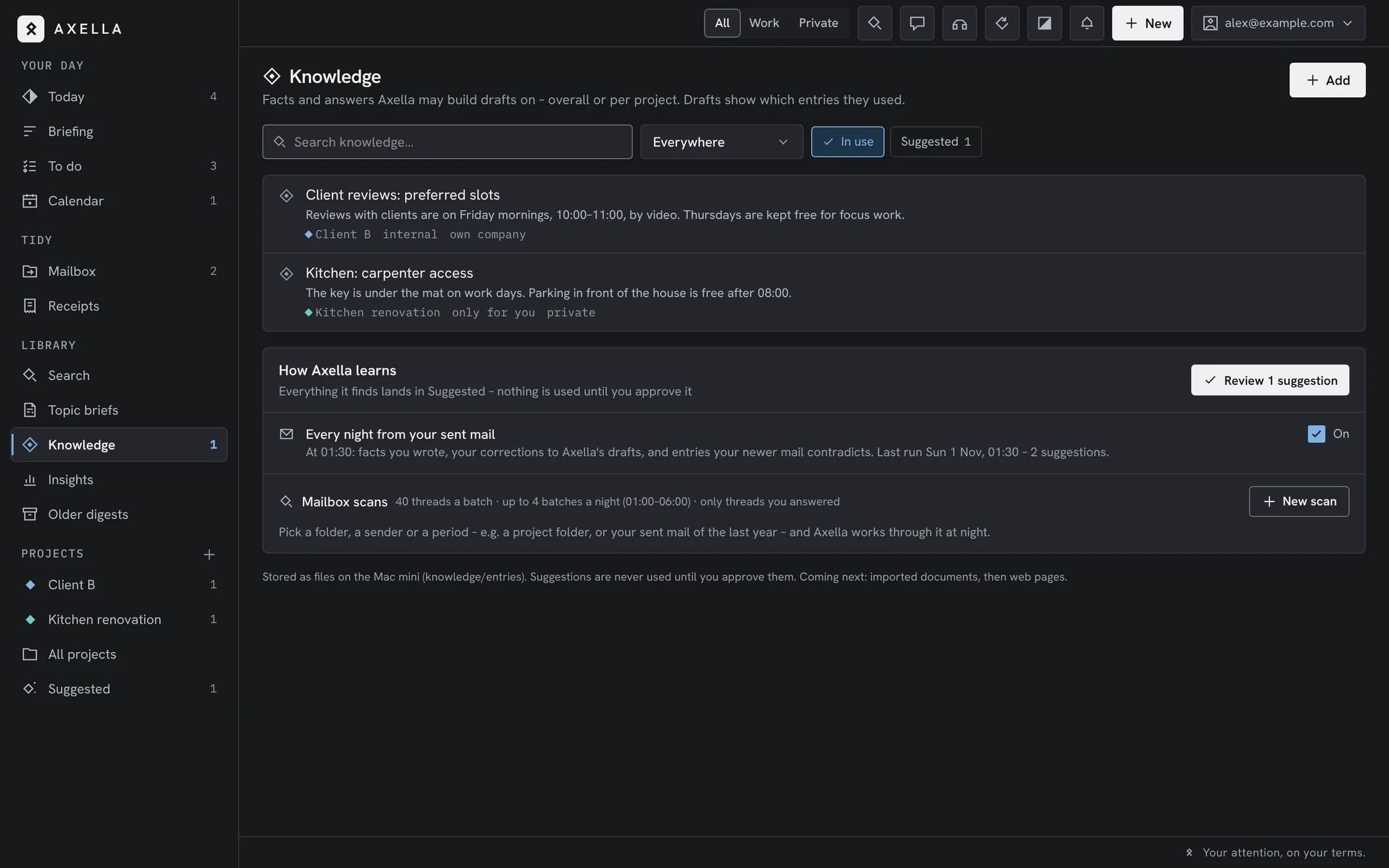
The real Axella app, shown with made-up data. It follows your light or dark setting, like this page.
Why Axella
AI inbox assistants are coming as cloud services. To summarise and draft, they need a copy of your entire communication life on someone else's servers, under someone else's terms. Axella makes the opposite choice.
| Axella is | Axella is not |
|---|---|
| Self-hosted in your home | A cloud service that holds or harvests your data |
| Yours to inspect, run and unplug | A subscription or account you are locked into |
| A calm, scheduled digest of everything | Another inbox or notification feed |
| A boundary keeper between work and private | A tool that replies on your behalf |
| A drafter of replies you approve | An autonomous agent that acts alone |
The cloud will compete on convenience. Axella competes on trust: the most personal assistant you have should not live on someone else's computer.
Product vision
Axella brings all of your communication into one calm place and lets you decide when to be aware of it — so work gets focus, private life gets presence, and nothing important slips through. She does it from inside your home, on hardware you own, with your data under your control at all times.
Hosted in your home, 100% your data. No Axella cloud, no account to sign up for.
Every item is tagged work or private, so you look at one world at a time, at your desk, at dinner or on the sideline.
No badge storm. One push per digest, and only urgent items in between.
Morning, midday and afternoon by default. Change the times, add days off, or pause for a holiday.
Every mailbox, chat, call and calendar in one clear picture.
Axella drafts. You decide. Nothing leaves without you.
How it's built
Axella runs on an always-on machine at home — a Mac mini works well. It reads your streams, understands them with an AI model, and prepares short digests and draft replies. Everything it stores stays on that machine, and you reach it from your laptop, phone and tablet over your private network.
Your streams
Mac mini · always on
You · over Tailscale
Every part, and where it runs. Prices as of November 2026.
Yes, it costs you some hardware and an hour to set it all up. Once you see your messages through Axella, you won’t look back.
Use Outlook? Keep it. Axella reads mail through Apple Mail on the Mac mini, so you add the same accounts there once. Drafts and filing show up in Outlook. Work Microsoft 365 accounts need your IT’s OK and a quick test first. How to set it up
The home server, from $899. Axella keeps working while the screen is locked. A small UPS is recommended.
Minimum: a Mac with Apple silicon (M1 or later), 16 GB memory, 256 GB storage, macOS 15 or later. Choose 512 GB if your mailboxes are large: Apple Mail keeps a full local copy.
Looking ahead: more memory lets more of the AI run at home as local models arrive. 32 GB or more keeps that option open. The more Mac you have, the more stays home.
macuse.app — gives Claude read access to Mail, Messages, Calendar and Contacts on the Mac. Lifetime licence, $49 one-time. The free tier stops at 100 tool calls a day, which Axella uses up quickly.
The intelligence: Claude Code runs every digest on your subscription; the desktop app is optional. Suggested licence: Claude Max (from $100/month) for several Opus digests a day and frequent checks. Pro ($20/month) is enough to try it.
A private network between the Mac mini and your phone and laptop. Nothing on the Mac mini is open to the internet. Free Personal plan.
A Twilio number takes calls you miss; a small Vercel app (with Upstash Redis) lets Claude Haiku take a message, in Danish or English, with an ElevenLabs voice. Uses an Anthropic API key. Pay as you go. Its own repository, axella-voice.
Everything, with no hidden parts. US list prices as of November 2026, before sales tax or VAT.
About $950 to start, then $20–100 a month for Claude.
Already have a Mac that can stay on? Then the one-time cost is just Macuse, $49.
Non-commercial, on purpose. No paid version, no ads, no tracking, no affiliate links. Every cost here goes to the providers, never to Axella.
| Part | One-time | Monthly |
|---|---|---|
| Mac mini M6, 16 GB / 256 GB – enough for today; 512 GB for large mailboxes, 32 GB+ for local AI later | from $899 | – |
| Macuse Lifetime licence | $49 | – |
| Claude subscription Pro to try, Max recommended | – | $20 / $100 |
| Tailscale Personal plan | – | $0 |
| signal-cli optional, for Signal | $0 | – |
| Electricity the Mac mini idles at a few watts | – | about $1–2 |
| UPS optional, keeps it running through short power cuts | about $80 | – |
| To start with Pro | $948 | about $22 |
| Recommended with Max | $948 | about $102 |
| Part | Price |
|---|---|
| Twilio phone number | $1.15 a month (US), $15 a month (Denmark) |
| Answered calls Twilio voice and speech | about $0.08 a minute |
| Claude Haiku Anthropic API key, prepaid | about 1–3¢ a call |
| Vercel and Upstash Redis | $0 on the free tiers |
| Example 20 missed calls of 2 minutes | about $4 a month, plus the number |
Your mobile operator may charge for forwarding calls. Set spend limits on Twilio and the API key.
Runs on one home server. Spoken digests, drafted replies, Topic briefs, Signal and private contacts.
Simple setup, documented connectors, focus hours per world (work quiet in the evening), and a clear “what leaves my home” overview.
Local AI and speech models, so nothing needs to leave the home. More sources and household modes.
How to get it
An always-on Mac at home, a few connectors and your own digest times.
Axella lives on a Mac mini at home, always on and quietly in the background.
Clone the Axella repository. The call agent is a second, optional one.
Connect mail, messages, calls and calendar, and choose your digest times.
Turn off the notifications. Axella tells you what matters.
Not ready to run it yourself? Get a note when the easy setup is ready.
Feedback
What would make your days calmer? Axella already handles email, iMessage and SMS, WhatsApp, Signal, missed calls and your calendar. Tell us what should come next.
Already using Axella and something broke? Press ⌘ B (Ctrl B on Windows) in the app to report it. The report shows the screen without your messages, and you see it before it leaves.
Morten Toft
Developer, Dad, Entrepreneur.
Axella is published by Accelathon, my holding company. The name joins accelerate with the pacing of a marathon: going fast over a long distance. Axella is that idea applied to attention.
An Accelathon project
I'm Morten. I have spent most of my working life building platforms and digital products for endurance sports — race timing, live results, event registration and on-site bib printing — and the company behind it became part of MYLAPS, a Garmin company.
I have lived with this problem for years. Running a company, timing races at weekends and having a family meant mail, messages and calls from every direction — and a phone that lit up with “New message” all day long.
That little banner is a true disruptor. For your work: it breaks the thought you were in the middle of, and finding your way back takes far longer than the glance did. And more importantly, for your brain: even when you don't open it, part of your mind stays with it — waiting, wondering, checking. Researchers call it attention residue. I call it never quite being where you are, at work or at the dinner table.
In autumn 2026 I changed jobs, and the streams multiplied: a private inbox, a new work mailbox, family chats, a holiday-home rental and a handful of projects. I decided the notifications would no longer decide for me. I wanted one calm place, and a few moments a day when I choose to look. So I built Axella on a Mac mini at home, and I use it every day.
An assistant that reads your mail, your messages and your family chats should be something you can inspect and run yourself — not a service you rent from someone who keeps a copy. I build products for a living; Axella is the one I give away. If it helps you get your attention back, that's the point.
All I ask in return: tell me what works, what breaks and what you'd like next.